Multi-Channel Log Merge Function
The multi-channel log merge function merges logs displayed in Analyze Window and shows logs from multiple channels together.
When logs are merged in Ch Mixing on the Analyze tab, the following functions become available:
- Filtering
- Log Search
- GW Analyze
Ch Mixing Tab Description
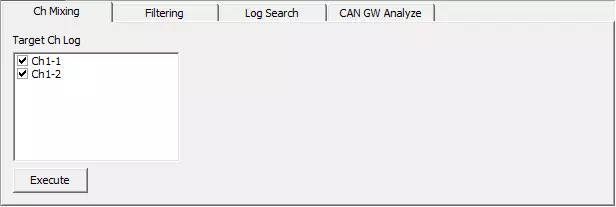
| Item | Description |
|---|---|
| Target Ch Log | Displays all channels with logs in Analyze Window log area, and lets you set each channel individually as merge target.ON: include channel in merge target.OFF: exclude channel from merge target. |
 button button | Merges logs of channels selected in Target Ch Log. |
tip
Merged logs are displayed in ascending timestamp order in Analyze tab log area. If multiple logs share same timestamp, they are ordered by lower channel number first.
Ch Mixing Setup Procedure
In Ch Mixing, logs of selected channels can be merged and displayed together.
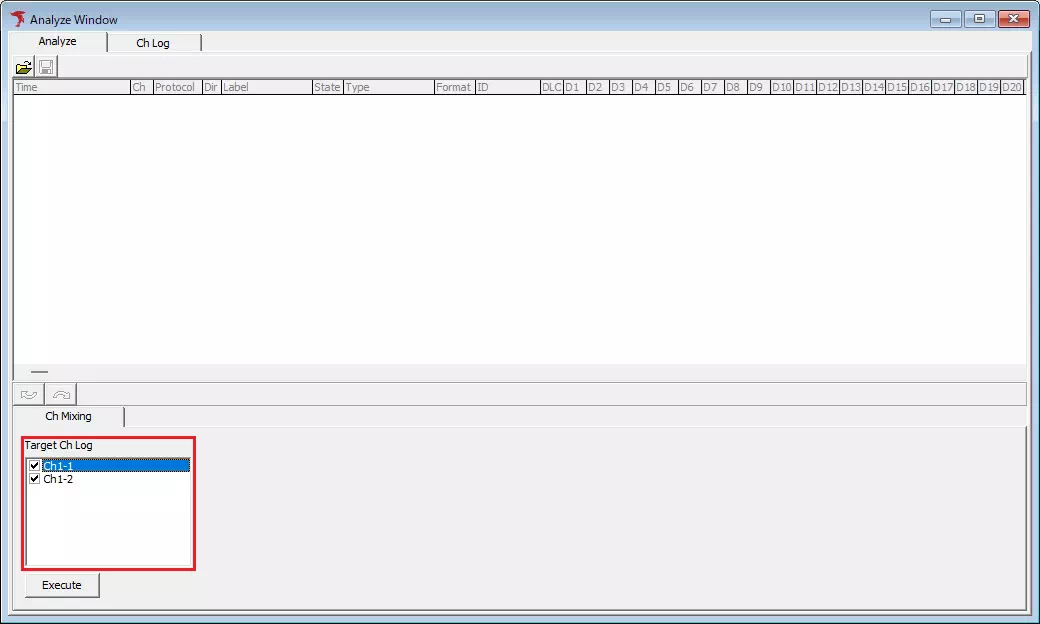
- Select channels to merge
For each channel shown in Target Ch Log, set whether to include channel in merge target using checkbox.ONincludes it,OFFexcludes it.
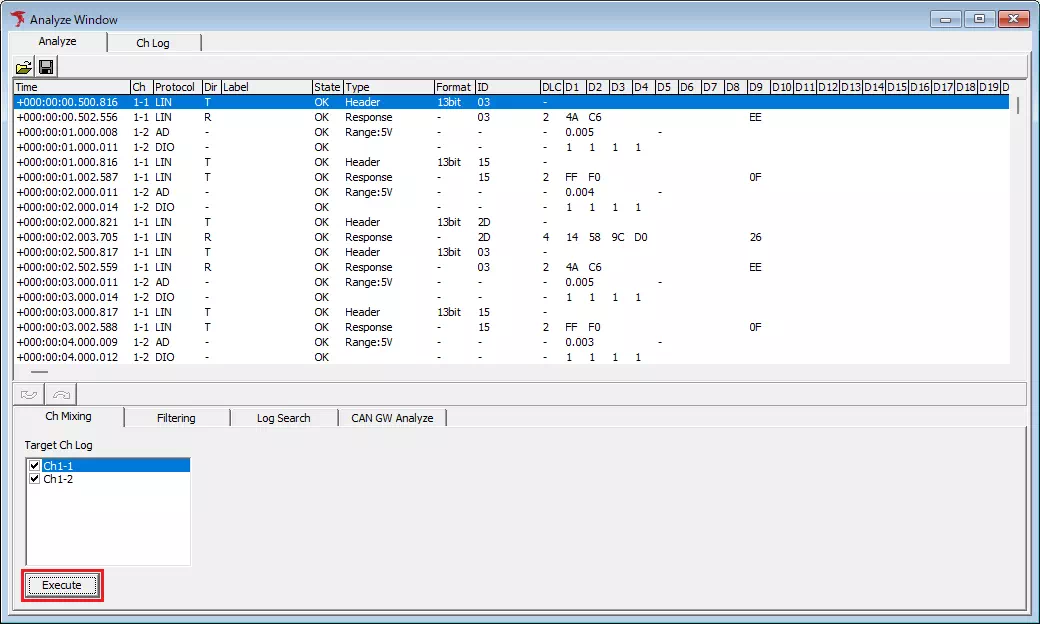
- Execute merge
Click button.
tip
After merge, Filtering tab, Log Search tab, and GW Analyze tab are shown.