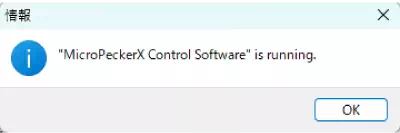
When starting MicroPeckerX Plugin Manager, the following dialog appears and startup fails.
You cannot use MicroPeckerX Plugin Manager while MicroPeckerX Control Software is running.
Exit MicroPeckerX Control Software before starting MicroPeckerX Plugin Manager.
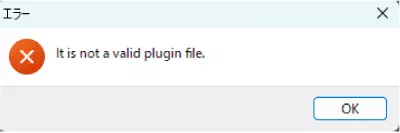
When adding a plugin, the following dialog appears and addition fails.
Confirm that the specified file is in a plugin format supported by MicroPeckerX Control Software.
If the extension is .zip, password-protected files are not supported.
Also confirm that no password is set on the specified file.